

Event specification
Events adhere to a structured specification.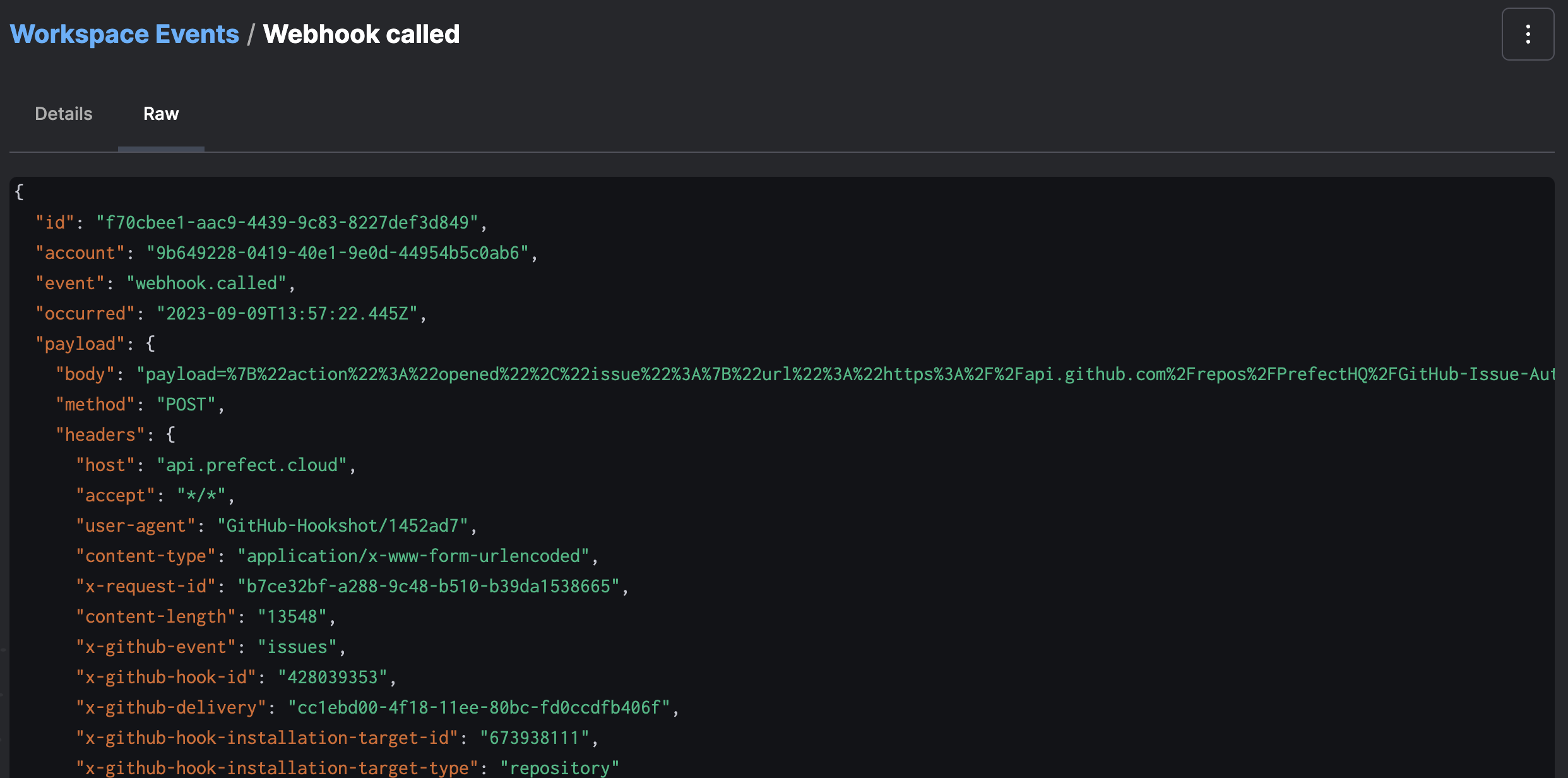
Event grammar
Events can be named arbitrarily, but are recommended to follow a consistent and informative grammar. An event describes a resource and an action it took— or that was taken—on that resource. For example, events emitted automatically by Prefect objects take the following form:Resources
Every event has a primary resource, which describes the object that emitted an event. Resources are used as quasi-stable identifiers for sources of events, and are represented as dot-delimited strings. For example:Event ordering
Events arrive from many independent sources—your code, workers, and Prefect itself—so Prefect cannot infer the order of two events from their arrival alone. Thefollows field
declares that order: set it on the later event, referencing the id of the earlier one,
to establish that this event is known to have occurred after the other. The system uses
this relationship to disambiguate the ordering of events that occur within a second or
two of each other.
Declare follows only between events in the same causal chain, where you know the earlier
event occurred first—for example, a custom event describing how a flow run state change
was handled. emit_event sets the
relationship when the two events occurred within five minutes of each other.
Ordering matters most to automation triggers whose after
and expect clauses depend on seeing one event before another. See
event ordering and after for how
triggers use this relationship, and
emit events from state change hooks
for the most common way to declare it.
Respond to events
From any event detail page, you can configure an automation to trigger on the observation of matching events—or a lack of matching events—by clicking the automate button in the overflow menu: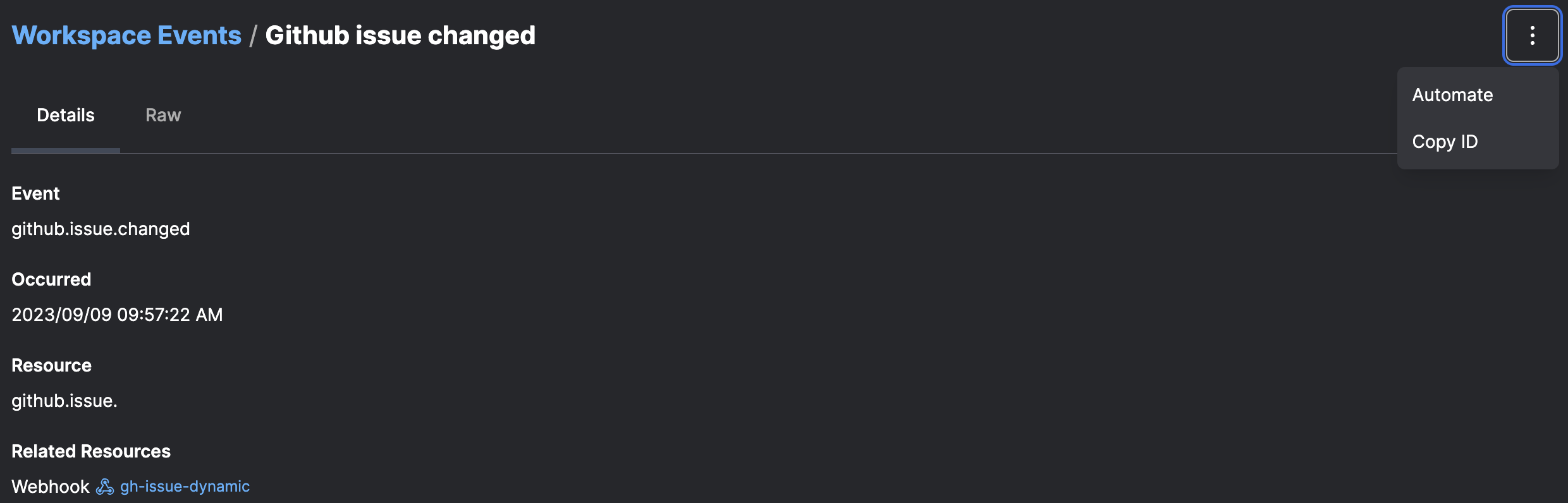
Further reading
- Events reference: comprehensive catalog of every event emitted by Prefect, Prefect Cloud, and integrations
- How to create automations
- How to create webhooks