Configure Prefect work pools using the CLI, Terraform, or REST API
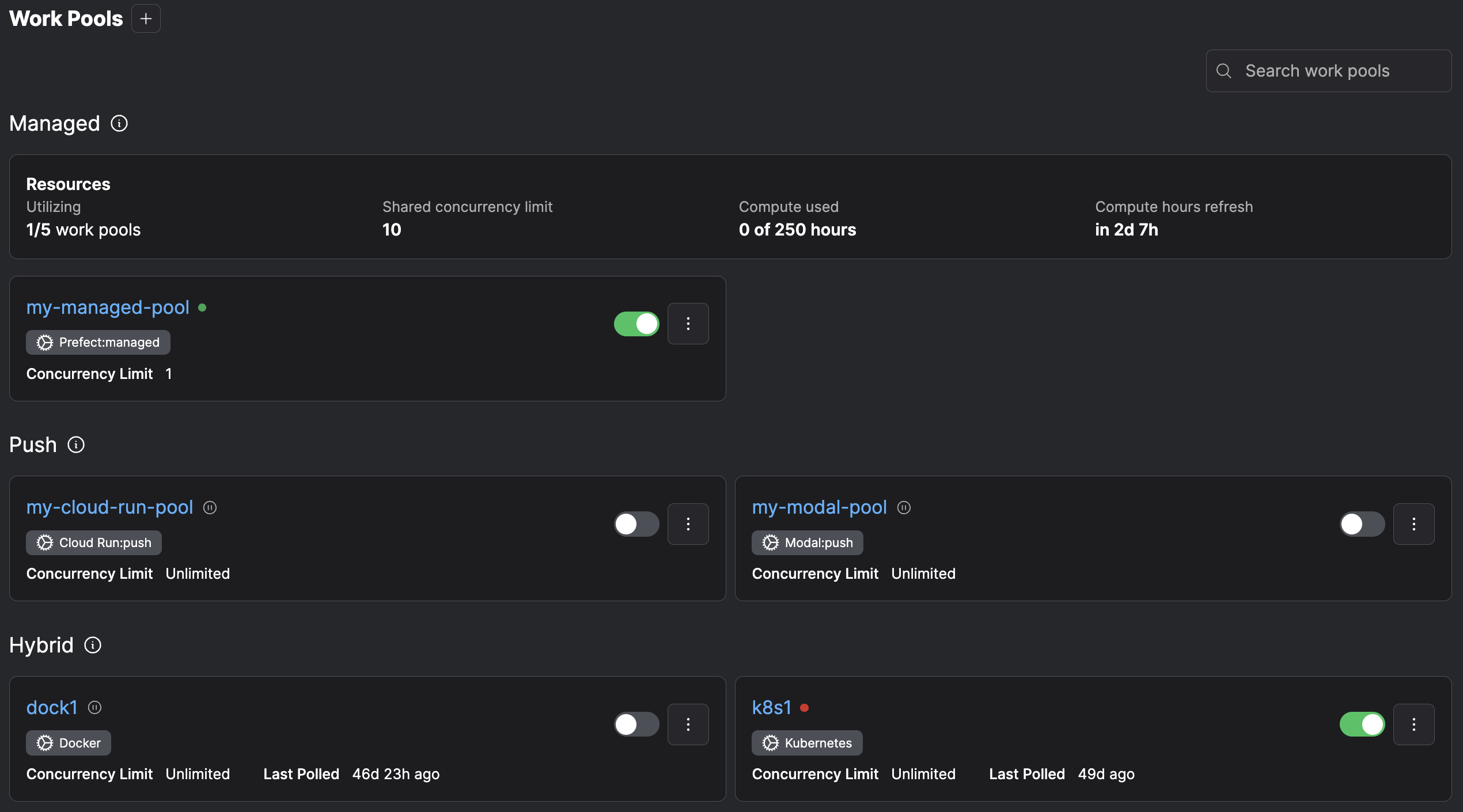
You can configure work pools by using the Prefect UI.To manage work pools in the UI, click the Work Pools icon. This displays a list of currently configured work pools.Select the + button to create a new work pool. You can specify the details about infrastructure created for this work pool.
NAME is a required, unique name for the work pool.Optional configuration parameters to filter work on the pool include:
Managing work pools in CI/CDVersion control your base job template by committing it as a JSON file to a git repository and control updates to your
work pools’ base job templates with the prefect work-pool update command in your CI/CD pipeline.For example, use the following command to update a work pool’s base job template to the contents of a file named base-job-template.json:
Advanced customization of the base job templateFor advanced use cases, create work pools with fully customizable job templates. This customization is available when
creating or editing a work pool on the ‘Advanced’ tab within the UI or when updating a work pool via the Prefect CLI.Advanced customization is useful anytime the underlying infrastructure supports a high degree of customization.
In these scenarios a work pool job template allows you to expose a minimal and easy-to-digest set of options to deployment authors.
Additionally, these options are the only customizable aspects for deployment infrastructure, which are useful for restricting
capabilities in secure environments. For example, the kubernetes worker type allows users to specify a custom job template
to configure the manifest that workers use to create jobs for flow execution.See more information about overriding a work pool’s job variables.