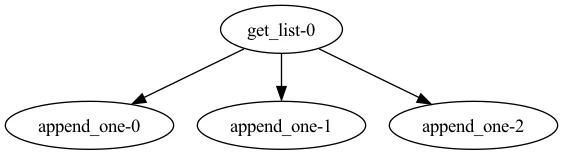
flow.visualize()— renders a PNG via Graphviz and opens it in a new window, or inline in Jupyter notebooks. Requires the Graphviz system package.flow.generate_mermaid_graph()— returns a Mermaidflowchart TDdiagram as a string. No additional dependencies required.
Graphviz output
Install GraphvizTo use
visualize(), you must have Graphviz installed. Please follow the Graphviz installation instructions for your platform.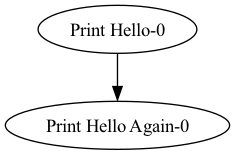
Mermaid output
generate_mermaid_graph() returns a Mermaid diagram string. This is useful when you want to embed the diagram in GitHub markdown, Notion, or any other tool that supports Mermaid.
Dynamic flows with mock return values
For workflows with dynamic structure using loops and/or if/else statements, you can provide tasks with mock return values to choose which code paths to visualize.