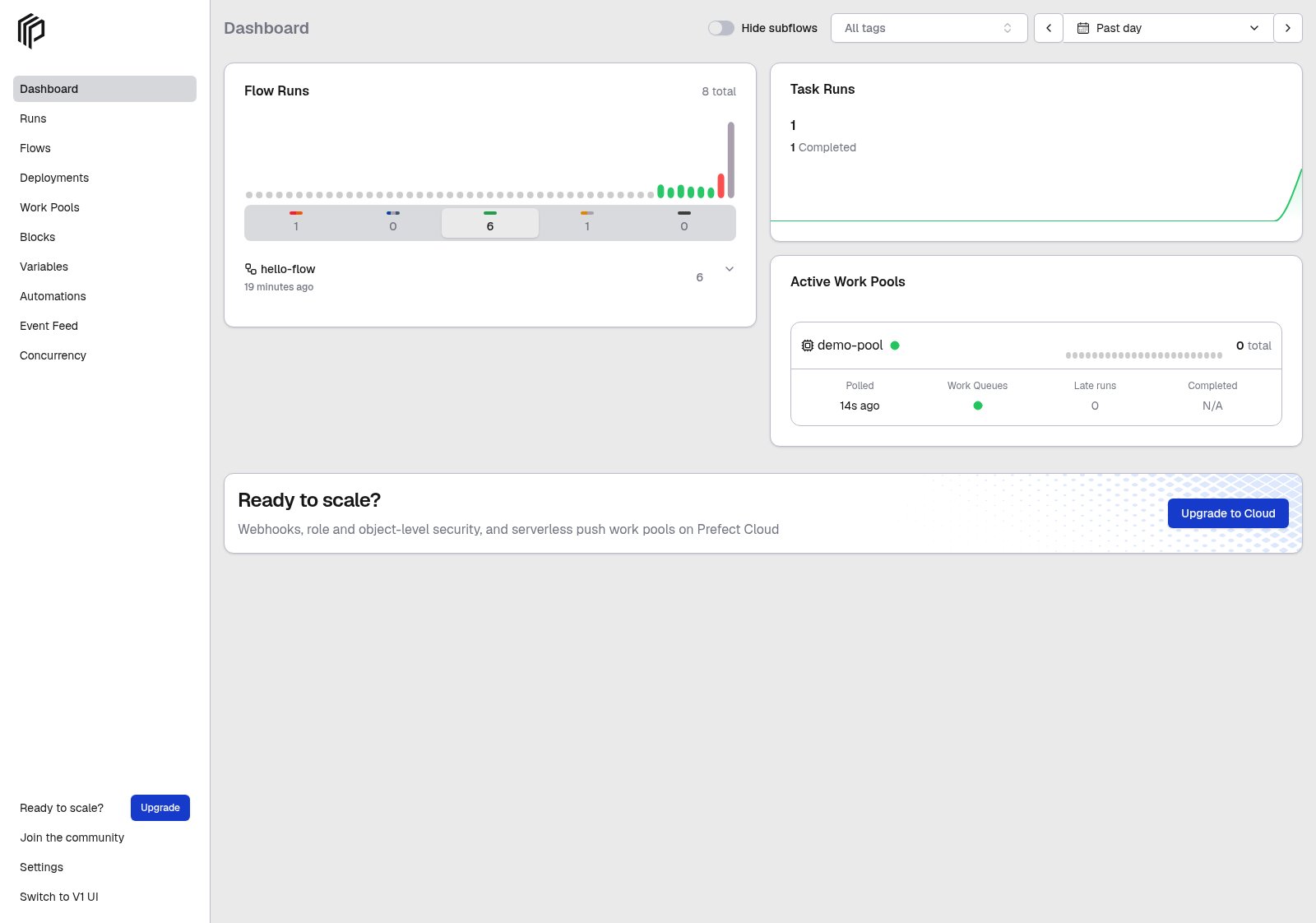
Go to your terminal session and run this command to set the API URL to point to a self-hosted Prefect server instance:
prefect config set PREFECT_API_URL="http://127.0.0.1:4200/api"
You can save the API server address in a Prefect profile.
Whenever that profile is active, the API endpoint is at that address.
See Profiles and configuration for more information on profiles and configurable Prefect settings.
# Upgrade to the latest versionprefect server database upgrade -y# Downgrade to the previous versionprefect server database downgrade -y -r -1# Downgrade to a specific revisionprefect server database downgrade -y -r d20618ce678e
On PostgreSQL, migrations use a dedicated statement timeout instead of the general database timeout, and have no timeout by default. For large databases where you want to bound how long a migration can run, set a migration timeout:
export PREFECT_SERVER_DATABASE_MIGRATION_TIMEOUT=600prefect server database upgrade -y
Multi-worker mode has specific infrastructure requirements:
PostgreSQL database — SQLite is not supported due to database locking issues
Redis for messaging, event ordering, and concurrency lease storage — the in-memory defaults do not work across processes
prefect server start --workers validates these requirements at startup. If any required
Redis-backed setting is still using its in-memory default, the server exits with an error
before starting. See the configuration example below for the full set of required settings.
# Set PostgreSQL connectionprefect config set PREFECT_SERVER_DATABASE_CONNECTION_URL="postgresql+asyncpg://postgres:password@localhost:5432/prefect"# Configure Redis-backed messaging, event ordering, and lease storageprefect config set PREFECT_SERVER_EVENTS_MESSAGING_BROKER="prefect_redis.messaging"prefect config set PREFECT_SERVER_EVENTS_MESSAGING_CACHE="prefect_redis.messaging"prefect config set PREFECT_SERVER_EVENTS_CAUSAL_ORDERING="prefect_redis.ordering"prefect config set PREFECT_SERVER_CONCURRENCY_LEASE_STORAGE="prefect_redis.lease_storage"# Configure Redis connectionexport PREFECT_REDIS_MESSAGING_HOST="redis"export PREFECT_REDIS_MESSAGING_PORT="6379"export PREFECT_REDIS_MESSAGING_DB="0"# Start server with 4 workersprefect server start --workers 4
For a complete Redis setup including authentication, TLS, and Docket coordination for
background services, see How to scale self-hosted Prefect.
The number of workers should typically match the number of CPU cores available to your server process, but you may need to experiment to find the optimal value for your workload.